Questions
Do my cast and crew pay?
No. A director's plan covers everyone in the company. They sign in with Google, scan your QR code or type your invite code, and they're in. Actors on their own choose the Actor plan.
What do I need?
A phone, tablet or computer with Chrome, Edge or Safari, and your script. Headphones help, so your partner's voice doesn't get mixed up with yours.
Which scripts work?
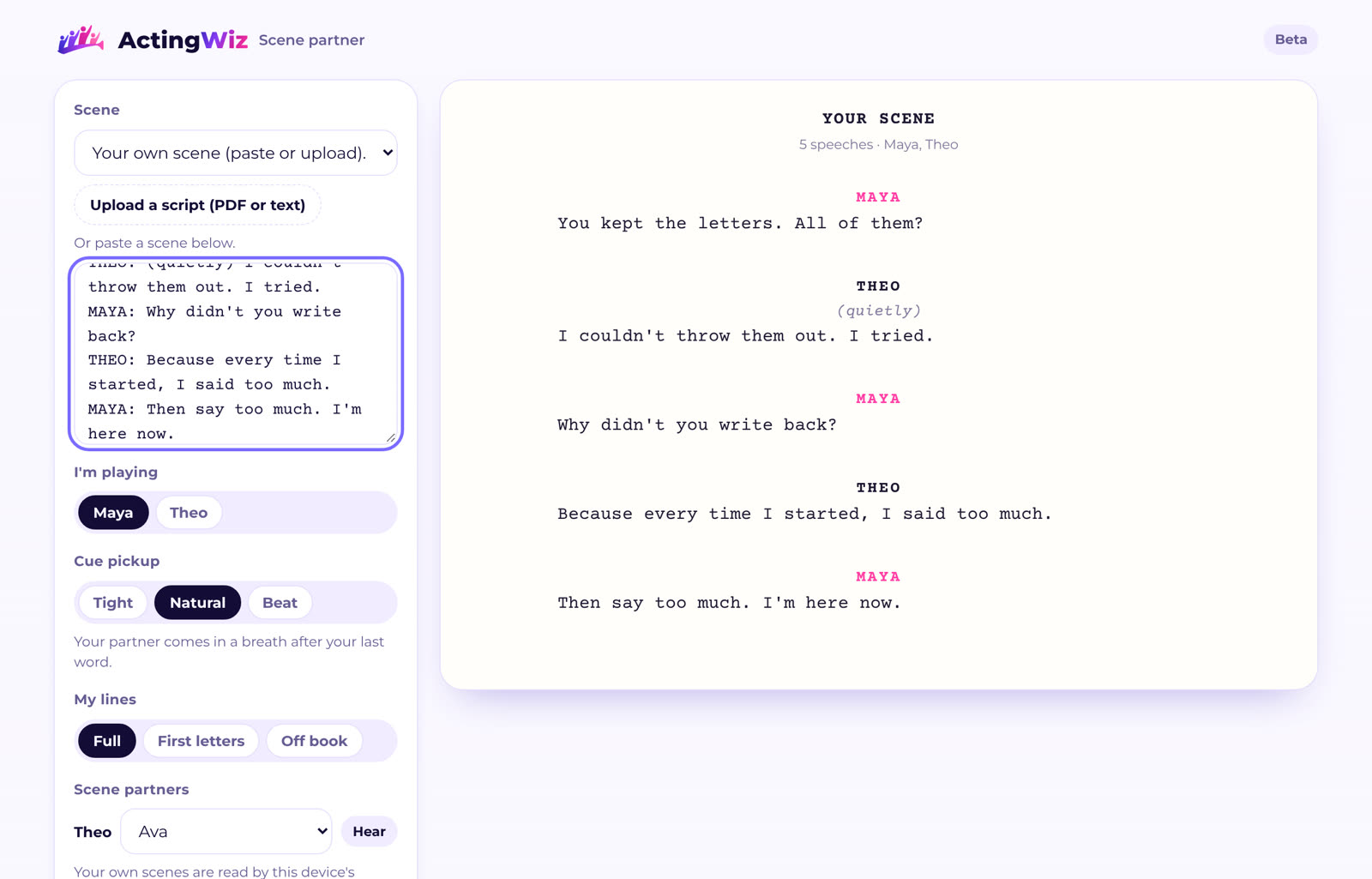
Screenplays and stage plays as a PDF with selectable text, a Fountain file or plain text. Pasted scenes work too: one speech per line, with the character's name and a colon first. Scanned pages without text can't be read yet.
Are the partner voices real people?
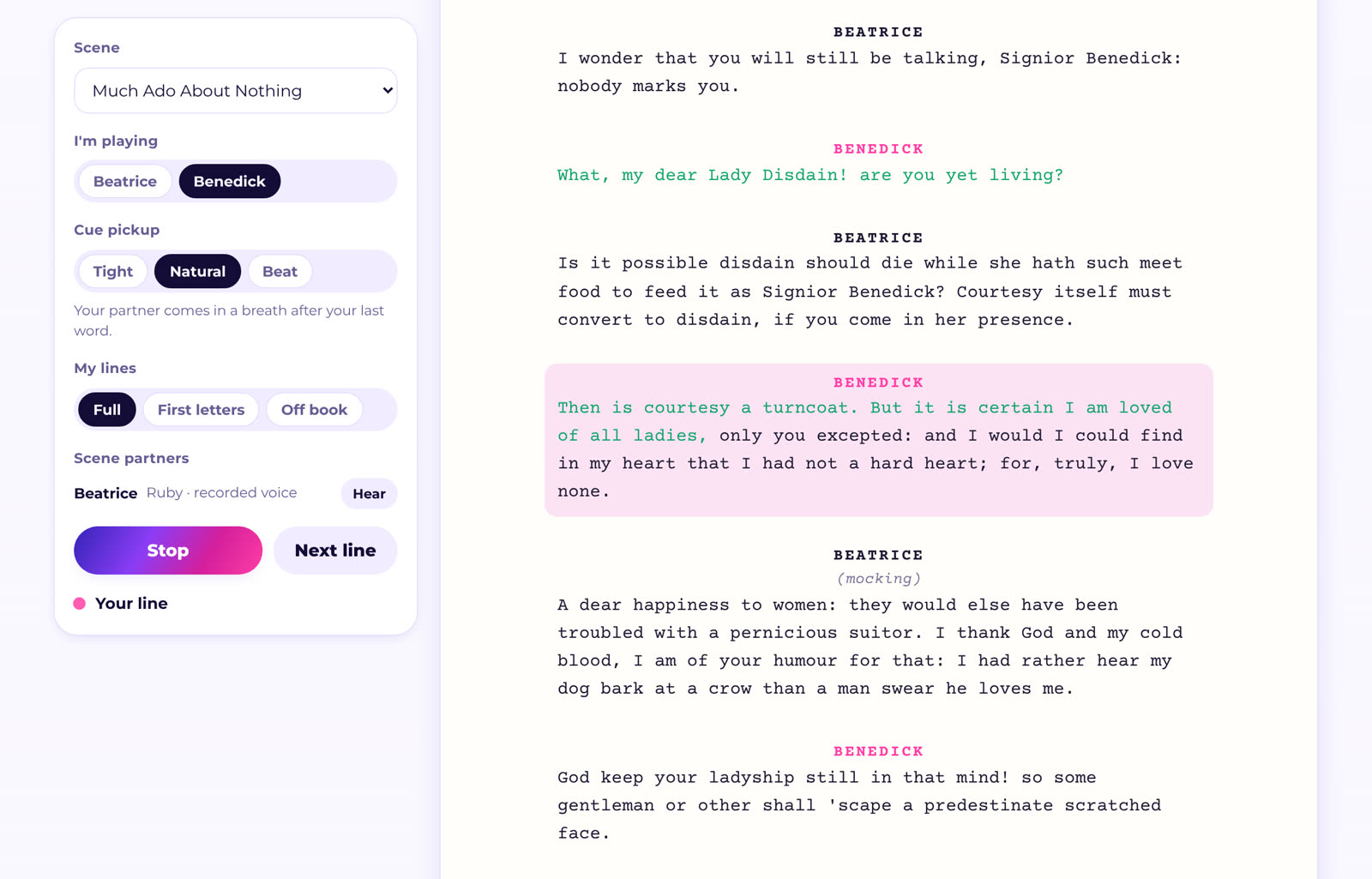
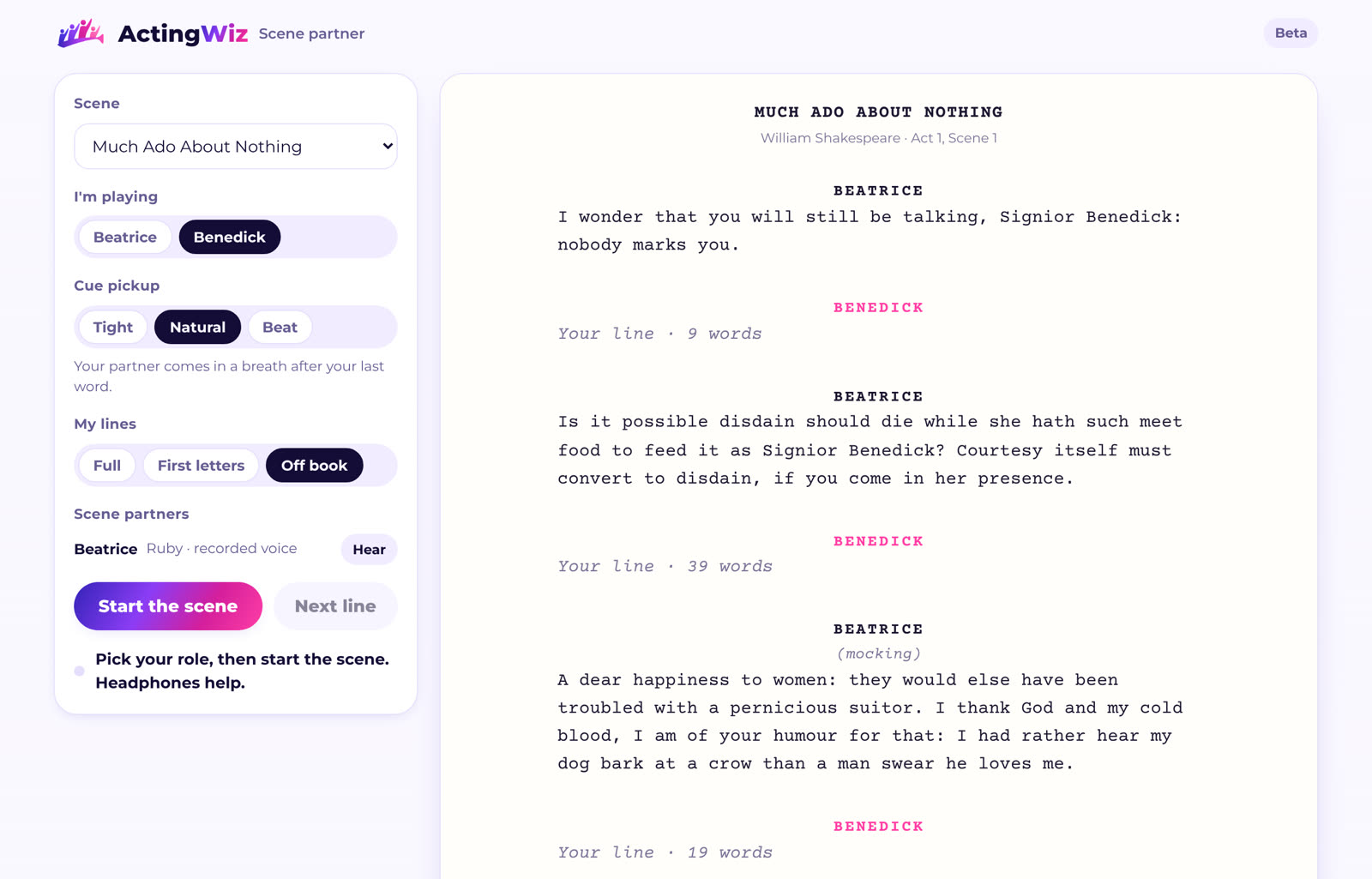
They can be. In a company, castmates record their own lines, and the scene partner plays their real voices. Otherwise, three classic scenes use lifelike AI voices, and every other scene is read by the voices built into your device.
Does it keep my script?
The scene partner doesn't: your script is read on your device, or on our server just long enough to turn a PDF into text. A scene a director pastes into an assignment is kept with that company, so the cast can open it.
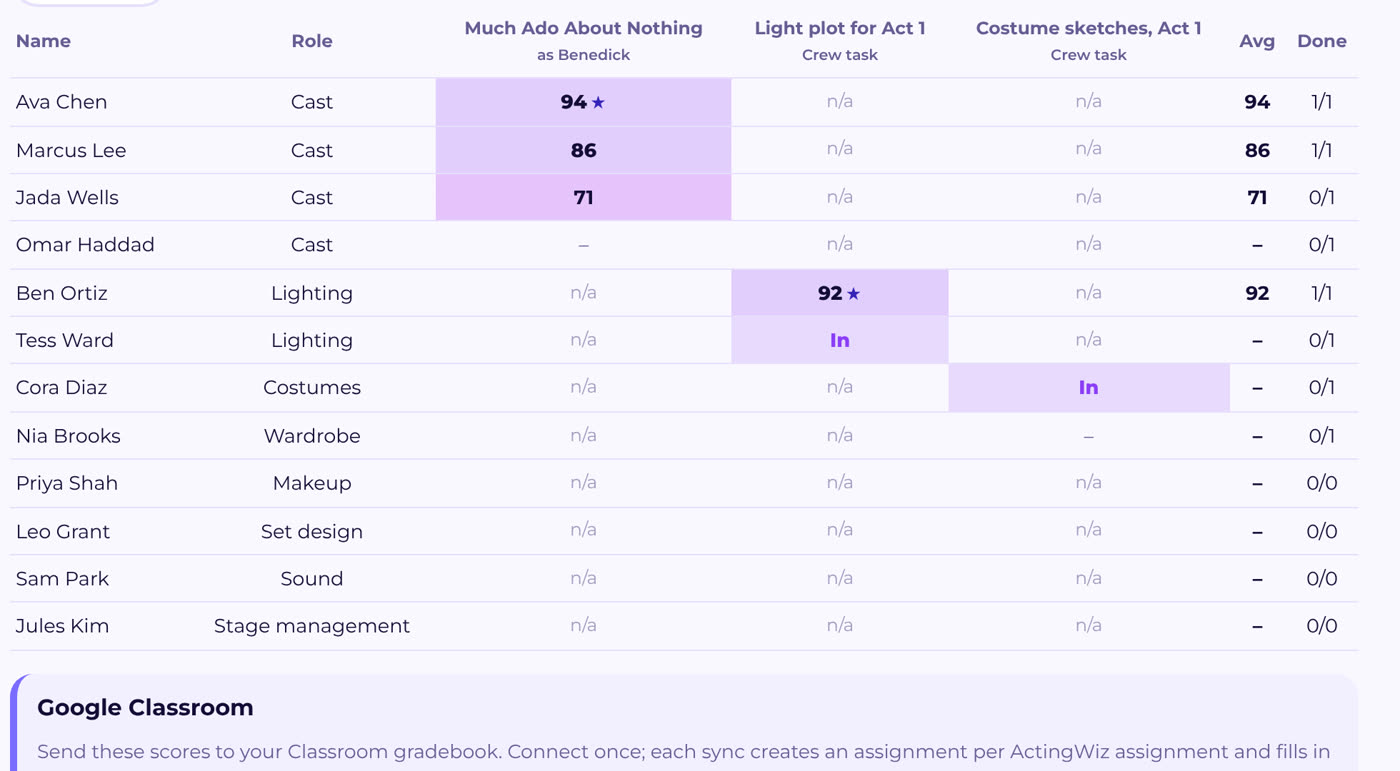
Does it work with Google Classroom and Canvas?
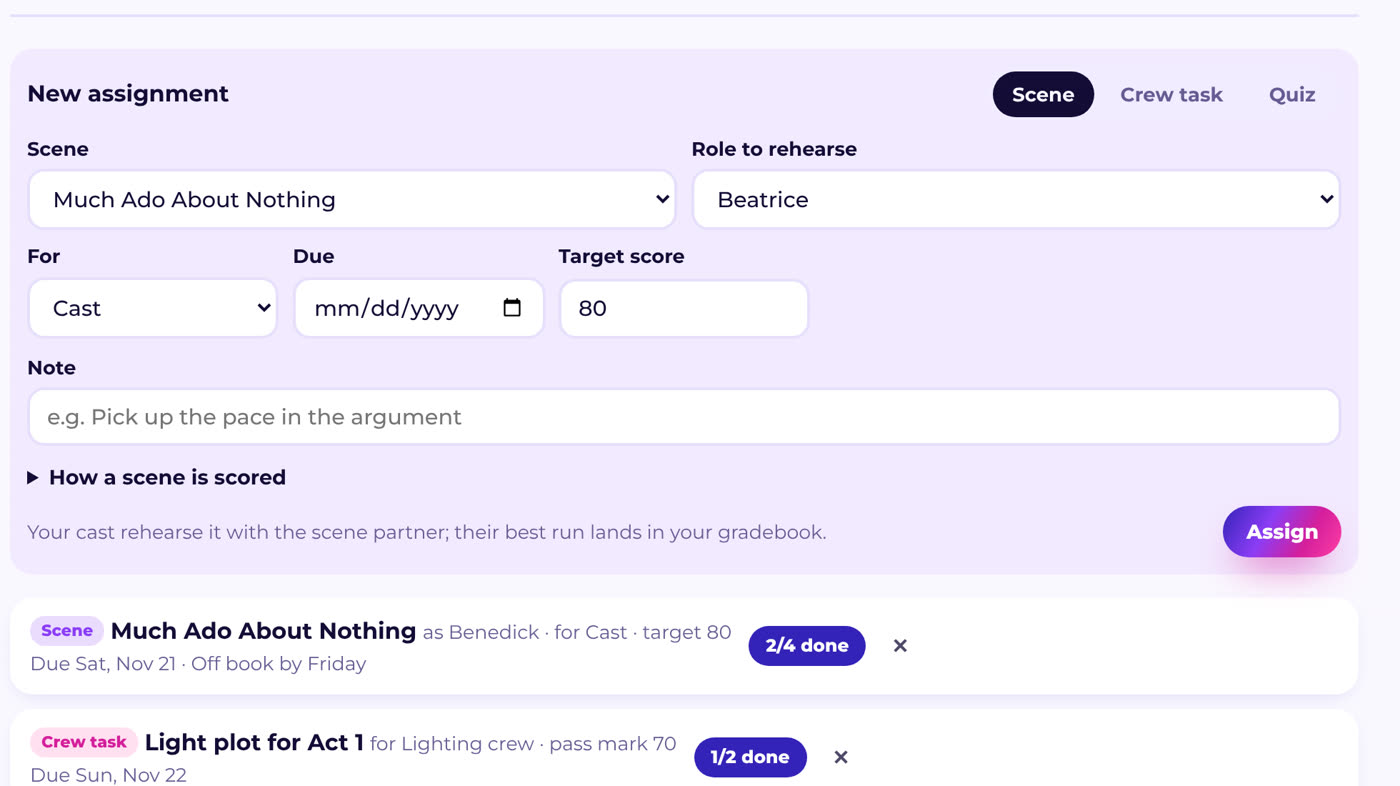
Yes. From the gradebook, connect Google Classroom with your school Google account, or Canvas with an access token, and sync. Each assignment is created there and grades are filled in for students whose email matches.
Who sees a post or a call for one crew?
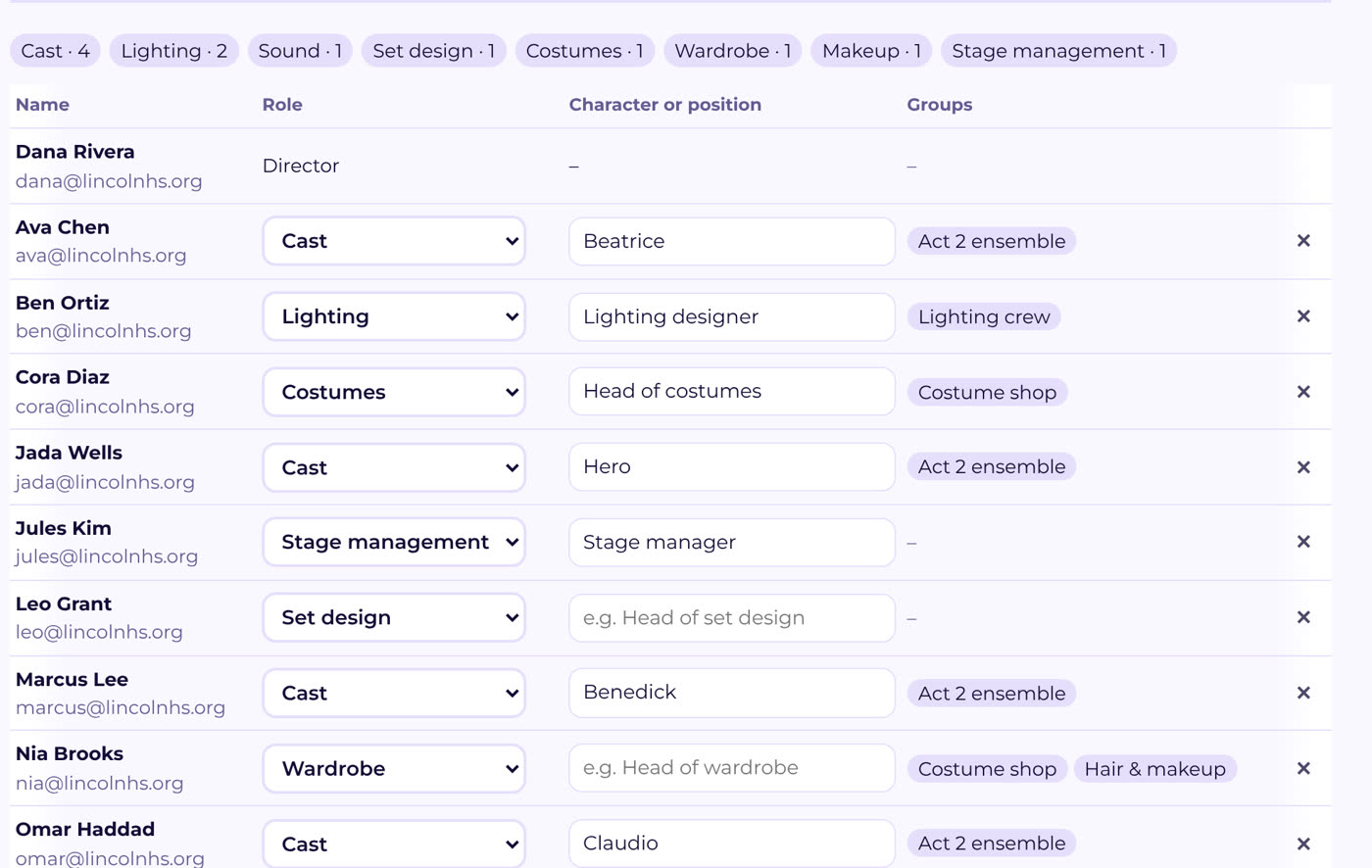
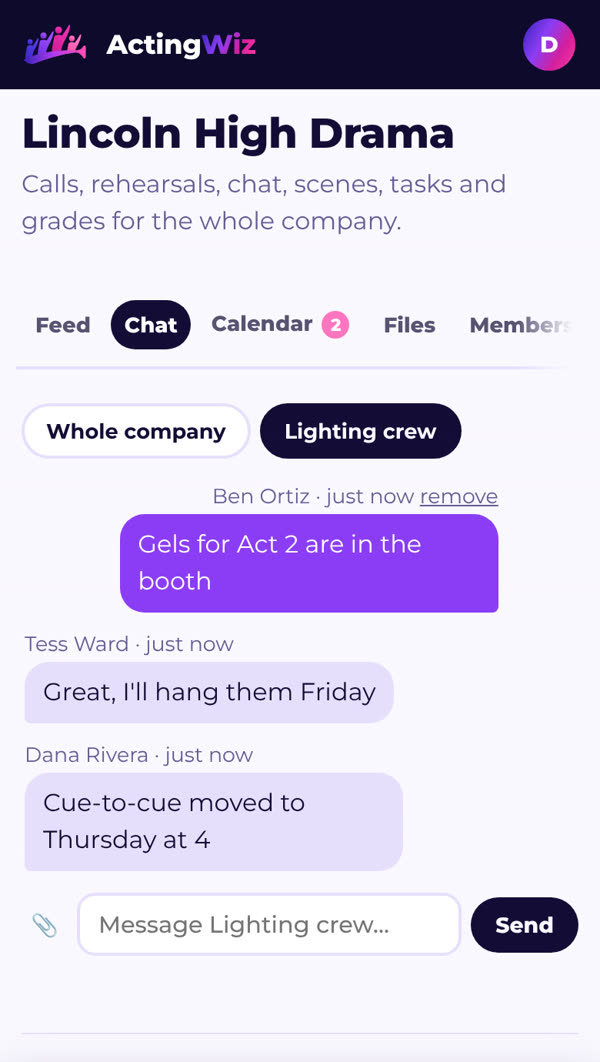
Only the people in that group or role, plus the director and anyone you've given that job. Everyone else never sees it.
What if it doesn't hear me?
If you stop before your last word, your partner comes in after a short pause. You can always tap Next line or press the space bar.